
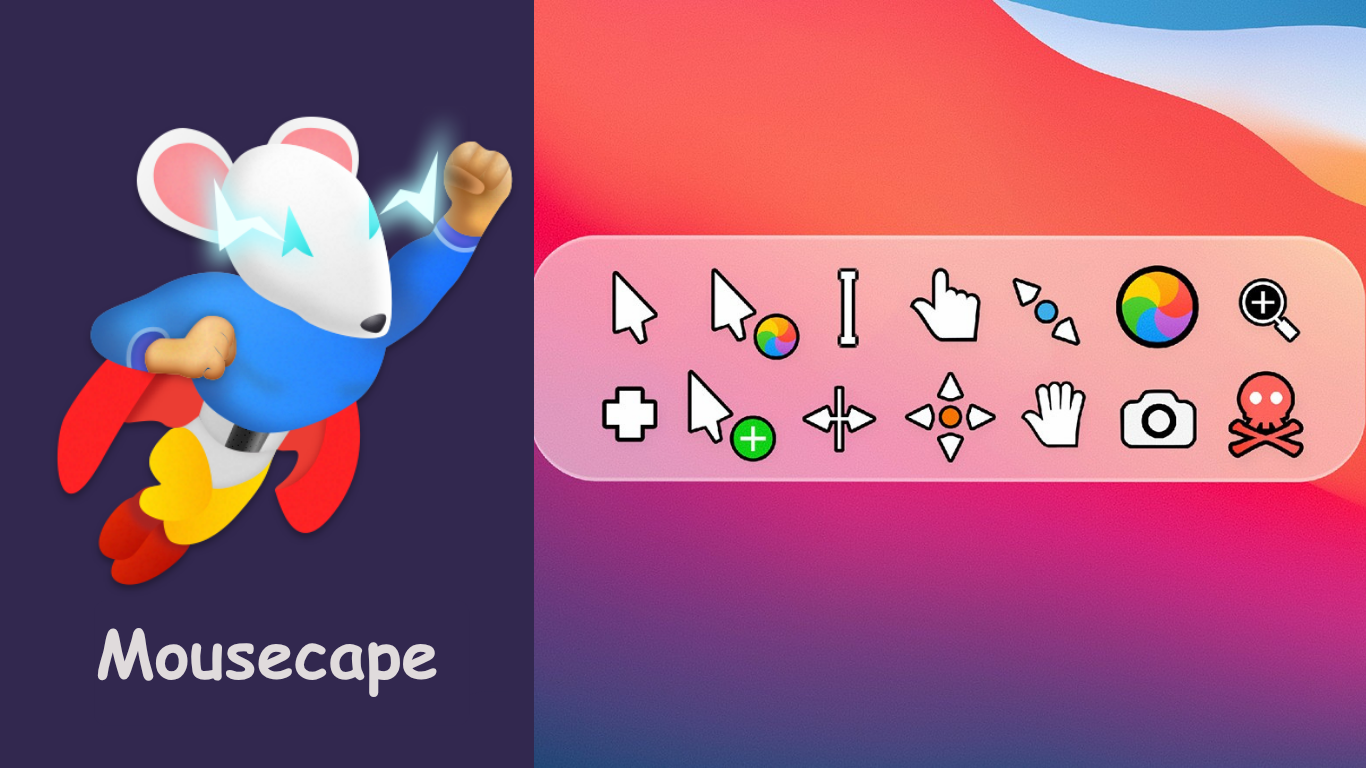
Custom cursors are a popular way for macOS users to express their personal style through subtle yet noticeable design choices. Tools like Mousecape allow users to transform the standard macOS pointer into something creative, playful, or professional. Many designers and casual users create unique cursor designs and often wonder how they can share them with others.
Sharing custom cursor designs helps build connections within the macOS customization community. Whether it’s friends, fellow designers, or the wider public, distributing your cursor capes lets others personalize their experience while showcasing your creative talent. Understanding the process and best practices makes sharing seamless and enjoyable.
What is Mousecape? A Quick Overview
Short History of Mousecape
Mousecape was developed as a lightweight macOS app designed to change system cursors through simple, user-friendly methods. It emerged as part of the broader macOS customization trend, giving users freedom to personalize their digital environment.
Key Features of Mousecape
Mousecape allows users to create fully customized cursor sets, known as “capes.” Each cape can include various cursor states such as pointer, link hover, and text select. Users can manage multiple capes within the app, quickly switching between styles or creating collections tailored to specific aesthetics or moods.
Importance of Customization
Customization enhances user experience by making everyday computer interactions more enjoyable and reflective of personal taste. Through Mousecape, macOS users can break free from uniformity and express creativity directly through their cursor design.
Why Share Custom Cursor Designs?
Building a Creative Community
Sharing cursor designs fosters a sense of collaboration within design communities. Mousecape users actively contribute to open-source spaces, inspiring others with creative approaches to cursor design.
Helping Others Personalize Devices
Not all macOS users have the skills or time to create unique cursors. Sharing your designs helps others enjoy personalization without technical barriers.
Expanding macOS Aesthetic Possibilities
macOS provides a clean, consistent user interface, but custom cursors allow individuals to add unique flair to an otherwise standard environment. Sharing expands this creative potential for all users.
Opportunities for Recognition
Many designers gain recognition through their shared creations on platforms like GitHub and DeviantArt. High-quality cursor designs often attract attention from broader customization communities.
Part of Open-Source Culture
Sharing aligns with the open-source philosophy embraced by many macOS users. Contributing designs to public spaces supports the ongoing growth of creative software ecosystems.
Methods to Share Your Custom Cursor Designs
Exporting Your Cursor Design from Mousecape
Step-by-Step Guide to Export a .cape File
- Open Mousecape on your macOS device
- Select the custom cape you wish to share
- Right-click on the selected cape
- Choose “Export Cape” from the dropdown menu
- Save the .cape file to your desired location
Organizing Files for Sharing
Organize capes into clearly named folders including version numbers and brief descriptions. Include any necessary metadata like macOS compatibility.
Sharing via Online Platforms
Recommended Platforms for Cursor Sharing
Personal Website or Blog
Create a dedicated page showcasing your cursor designs with download links and usage instructions.
macOS Customization Forums
Share your designs in communities focused on macOS customization, offering exposure to niche audiences.
GitHub
Host your cursor collections with clear documentation and updates, encouraging collaboration and feedback.
DeviantArt
Share visually creative designs on this platform, gaining recognition from artists and designers worldwide.
Reddit Communities
Post cursor designs in macOS-related subreddits to reach users seeking customization tips and resources.
Sharing Directly with Friends or Teams
Using Email, Cloud Storage, or File Transfer Apps
Send .cape files directly through email, Google Drive, Dropbox, or file transfer tools like WeTransfer.
Creating Simple Instructions for Recipients
Include basic steps on importing the cape through Mousecape and how to apply it within macOS.
Best Practices for Sharing Cursor Designs
Clear File Names and Version Numbers
Name files clearly with version numbers and descriptive terms, aiding organization for both creators and users.
Provide Screenshots or Previews
Offer images demonstrating how the cursor looks in use, helping users decide if they want to download your design.
Include Readme or Usage Instructions
Provide a simple readme file explaining how to import and apply the cape using Mousecape for clarity and user-friendliness.
Mention macOS Compatibility Versions
Clarify which macOS versions your capes have been tested on to prevent user frustration.
Originality and Proper Credit
Ensure your designs are original or include proper credit where applicable. Respecting intellectual property strengthens community trust.
Legal and Copyright Considerations
Use of Original or Licensed Artwork
Always use your own artwork or images with proper licensing to avoid copyright issues when sharing cursor designs.
Avoid Using Copyrighted Characters Without Permission
Using characters from popular franchises (Disney, Nintendo) without permission may lead to legal issues. Stick to original or public domain content.
Share Responsibly in Communities
Respect the guidelines of platforms where you share designs. Communities often have rules regarding the type of content and licensing.
Inspiring Examples: Where Creators Share Their Capes
Creators frequently share capes on platforms like GitHub, DeviantArt, and personal blogs. Popular cursor designs often gain attention through community shares on Reddit and macOS forums.
Designers sometimes build small but loyal followings by consistently sharing well-made, unique cursor sets. These examples show how shared creative work fosters connections and inspires others to create and share their own designs.
Common Problems and How to Solve Them When Sharing Capes
Recipients Can’t Install the Cape
Advise users to ensure they are using the latest Mousecape version and macOS Accessibility settings are correctly configured.
Permissions Issues on macOS
Ensure Mousecape has Accessibility permissions via System Settings > Privacy & Security > Accessibility.
File Corruption During Transfer
Use ZIP files or reliable cloud storage to avoid corruption during downloads or transfers. Provide backup links if possible.
Conclusion
Sharing custom cursors through Mousecape is simple, rewarding, and enhances the creative ecosystem for macOS users. Following best practices ensures your designs reach others successfully while respecting copyright. Embrace sharing to connect with like-minded creators and help expand the world of digital customization.